Quote whenever it suits you.
Browse our range and add what you need to a quote, any time, day or night. When you accept the quote, the gear is held for you automatically.
Learn howStart a quote any time, day or night. Add the gear you need, then sign in to see pricing and availability for your dates.
Pick gear to add it to your quote. Choose dates whenever you’re ready.
Browse our range and add what you need to a quote, any time, day or night. When you accept the quote, the gear is held for you automatically.
Learn howAdd products to a quote then choose your dates. We’ll show you whether the gear is available, based on whether other jobs are currently holding it.
Learn howWe just need some basic details for you to create quotes. Before you accept your first quote, we’ll need you to add some ID to your account.
Create an accountCameras, glass and lights, with every item checked to a professional standard between jobs.
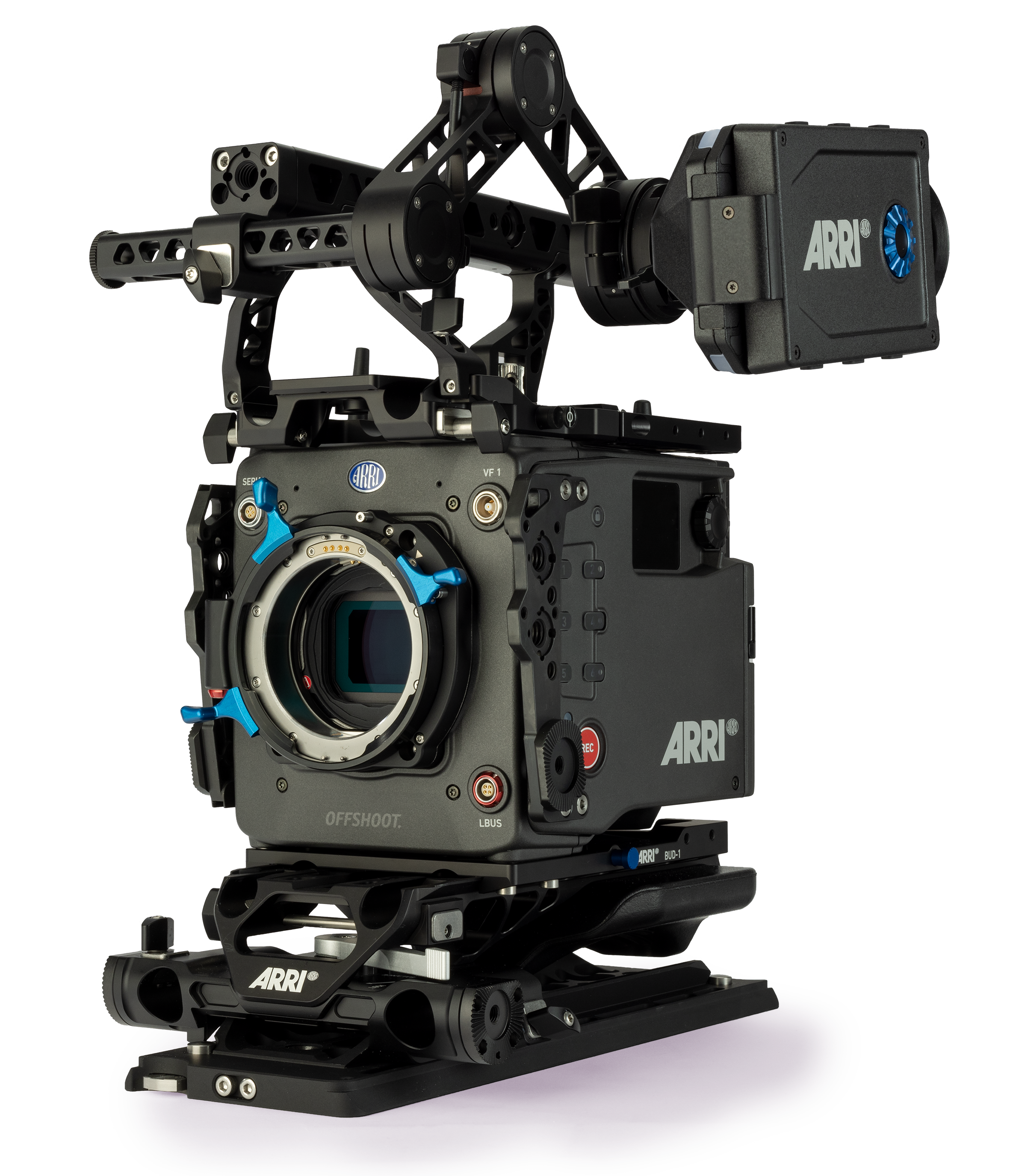
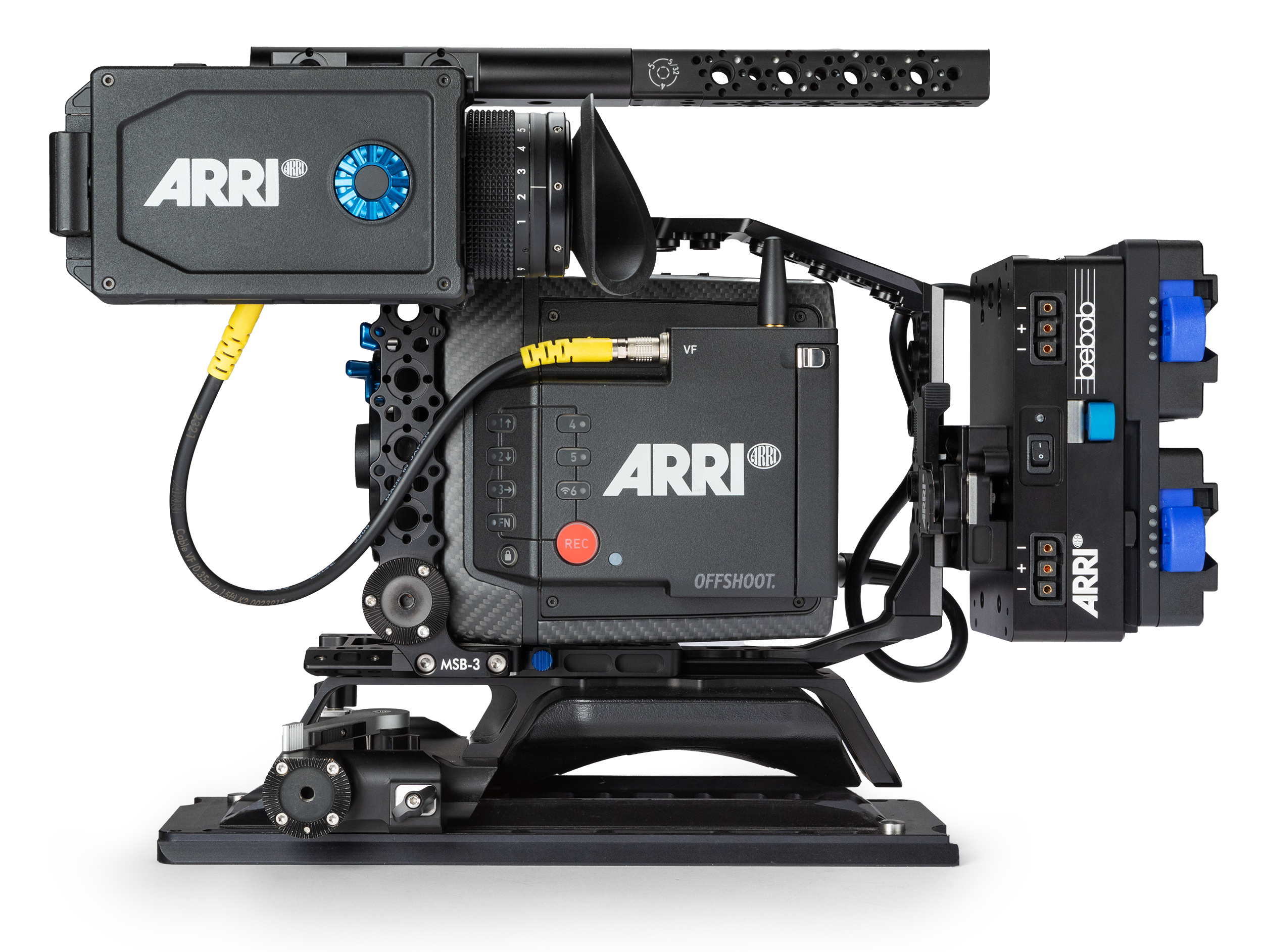
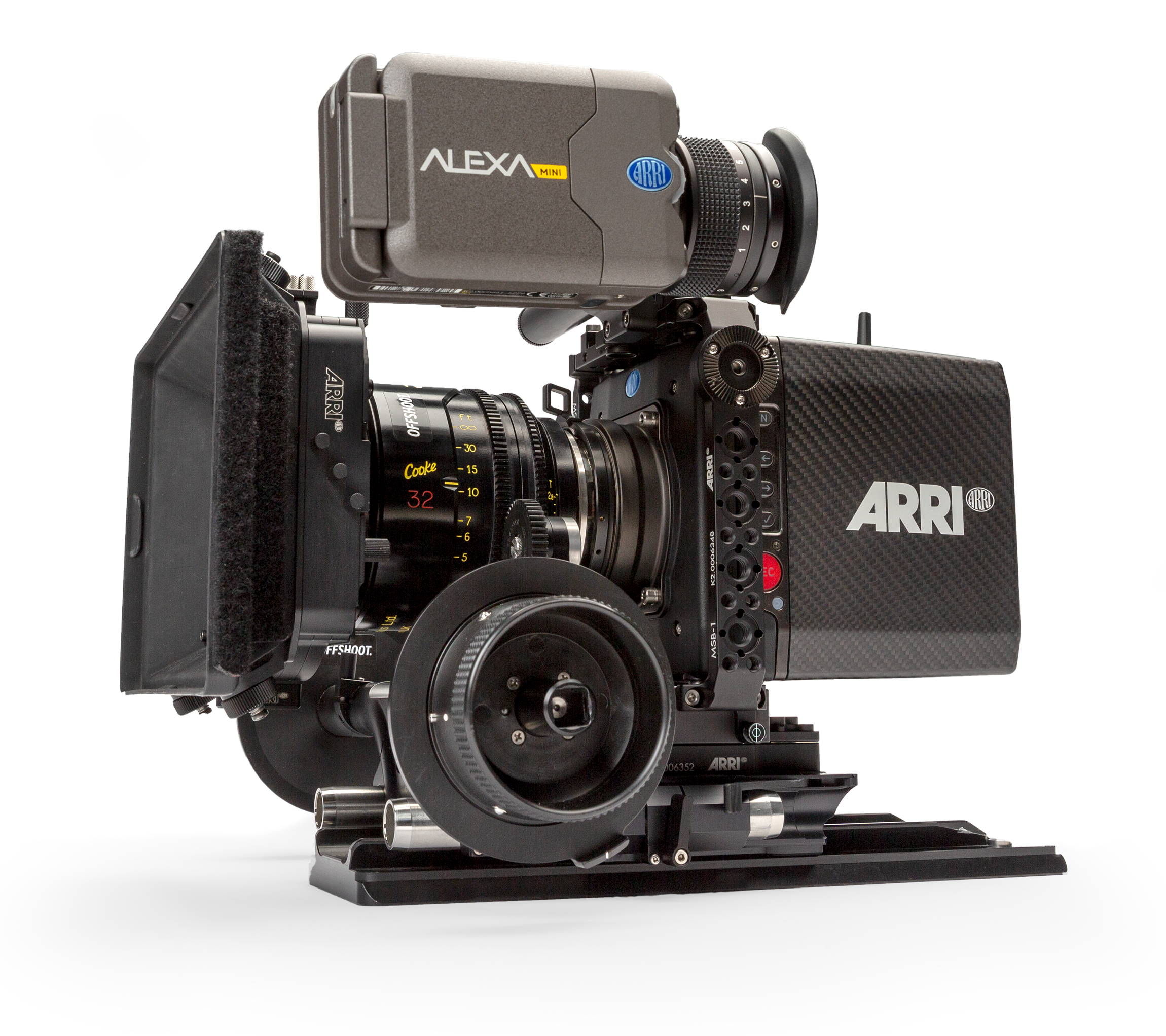
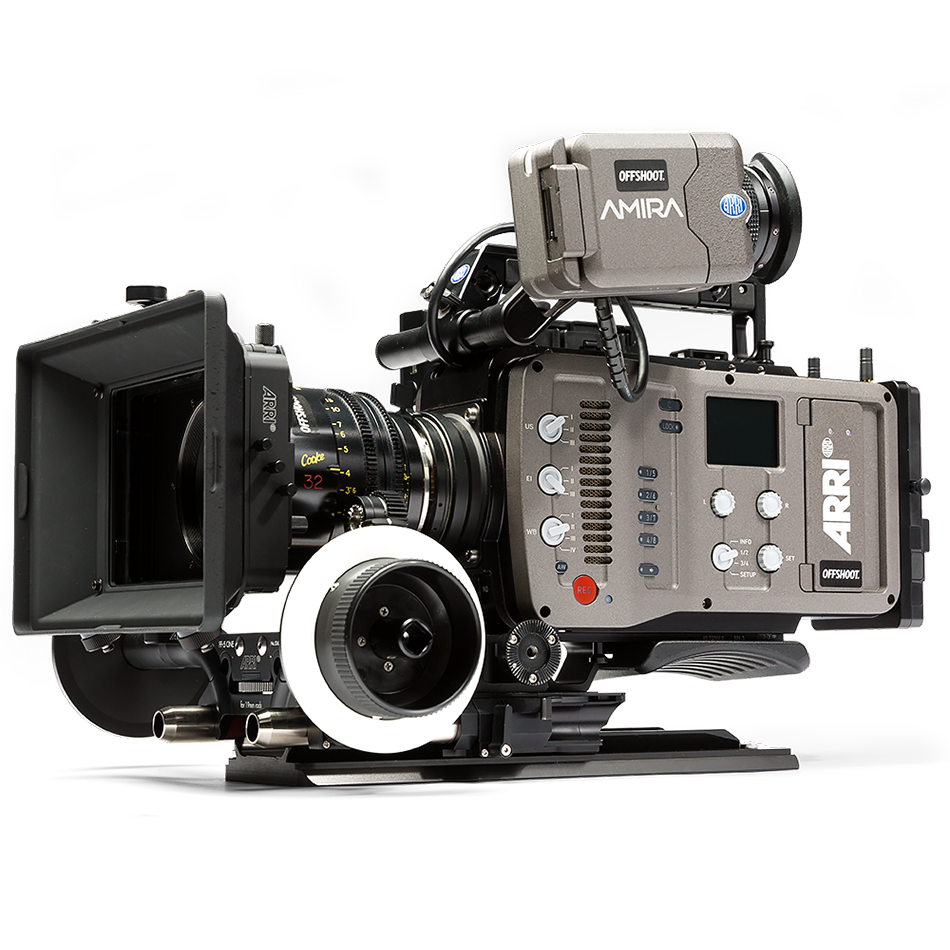
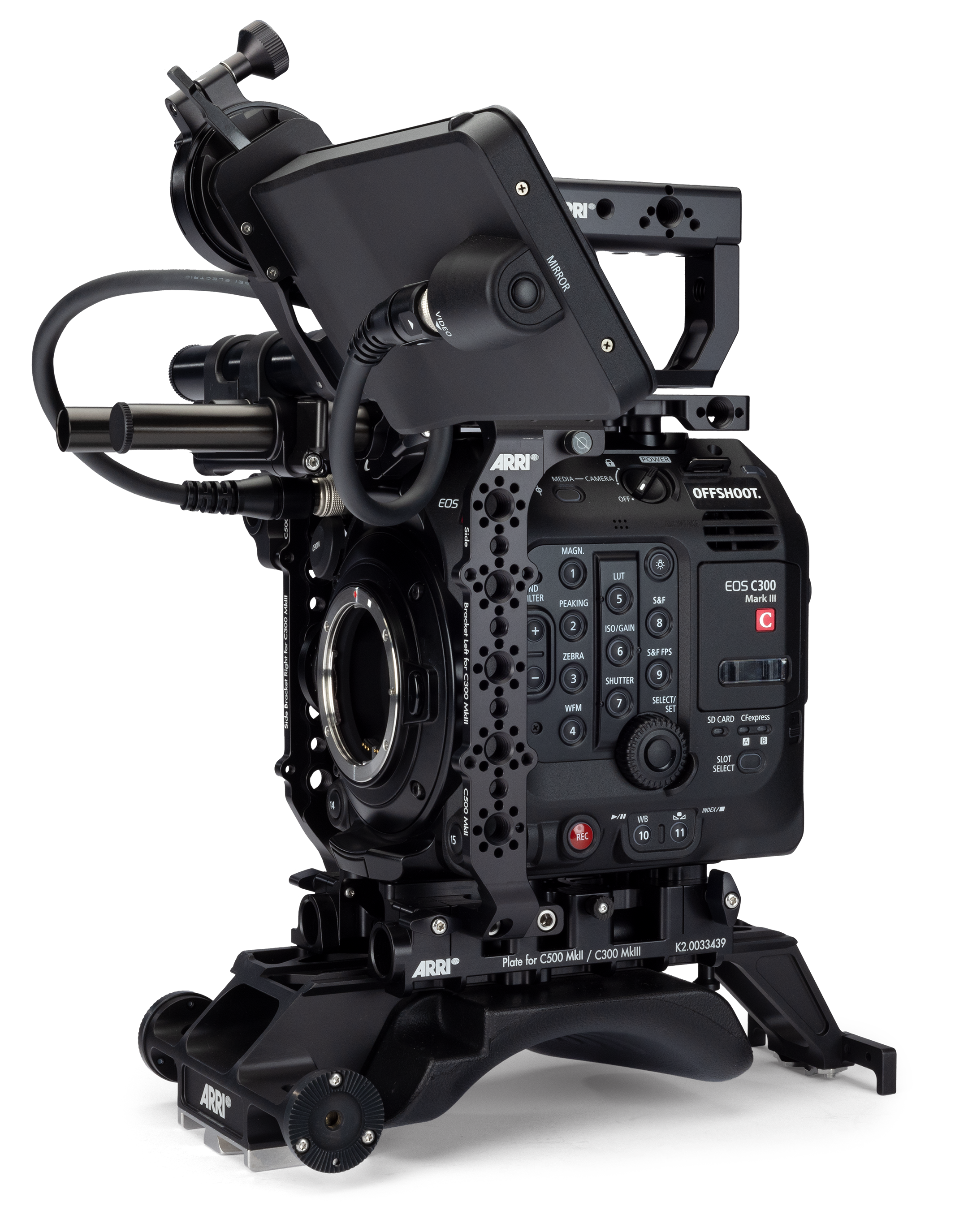
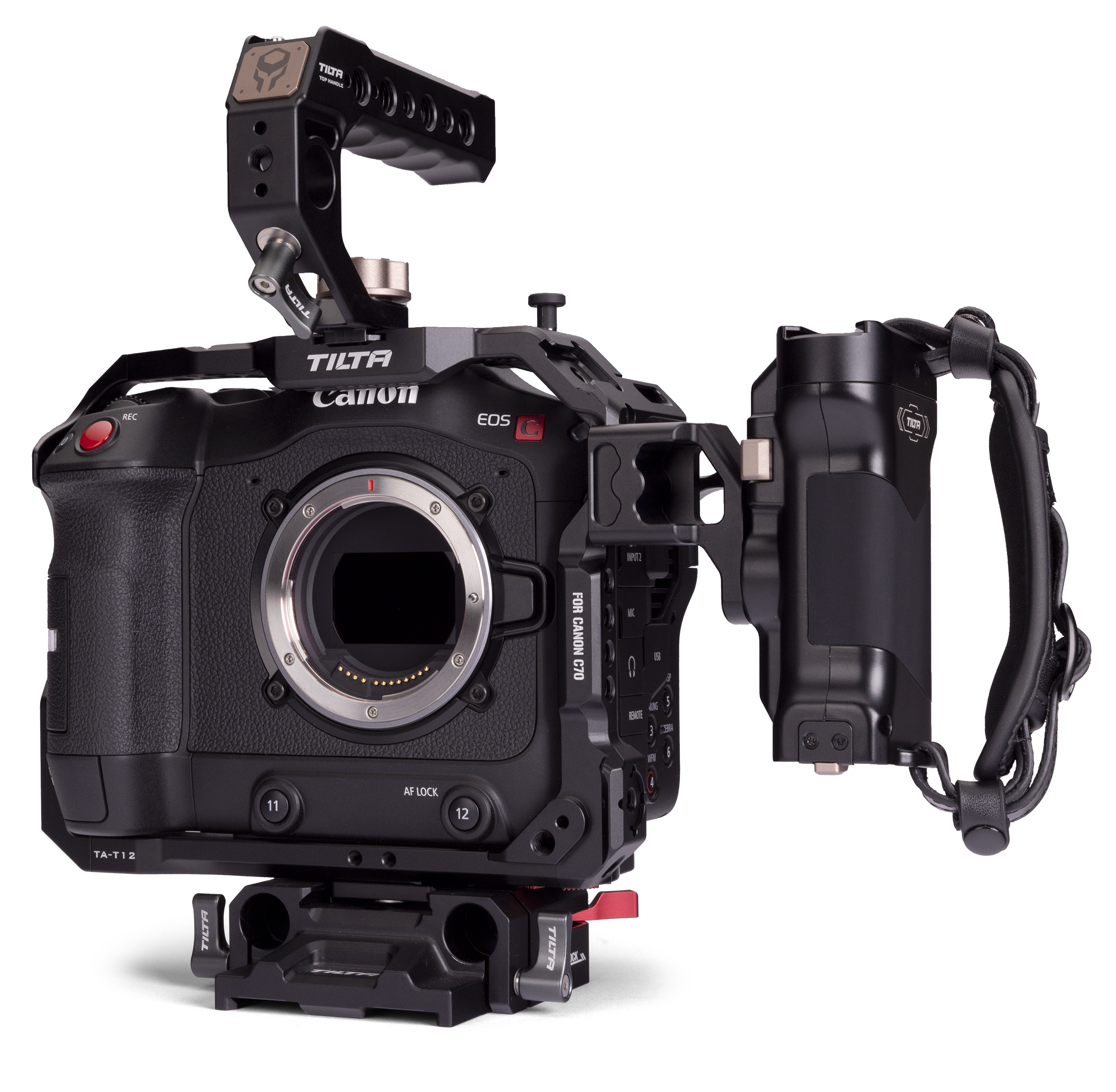

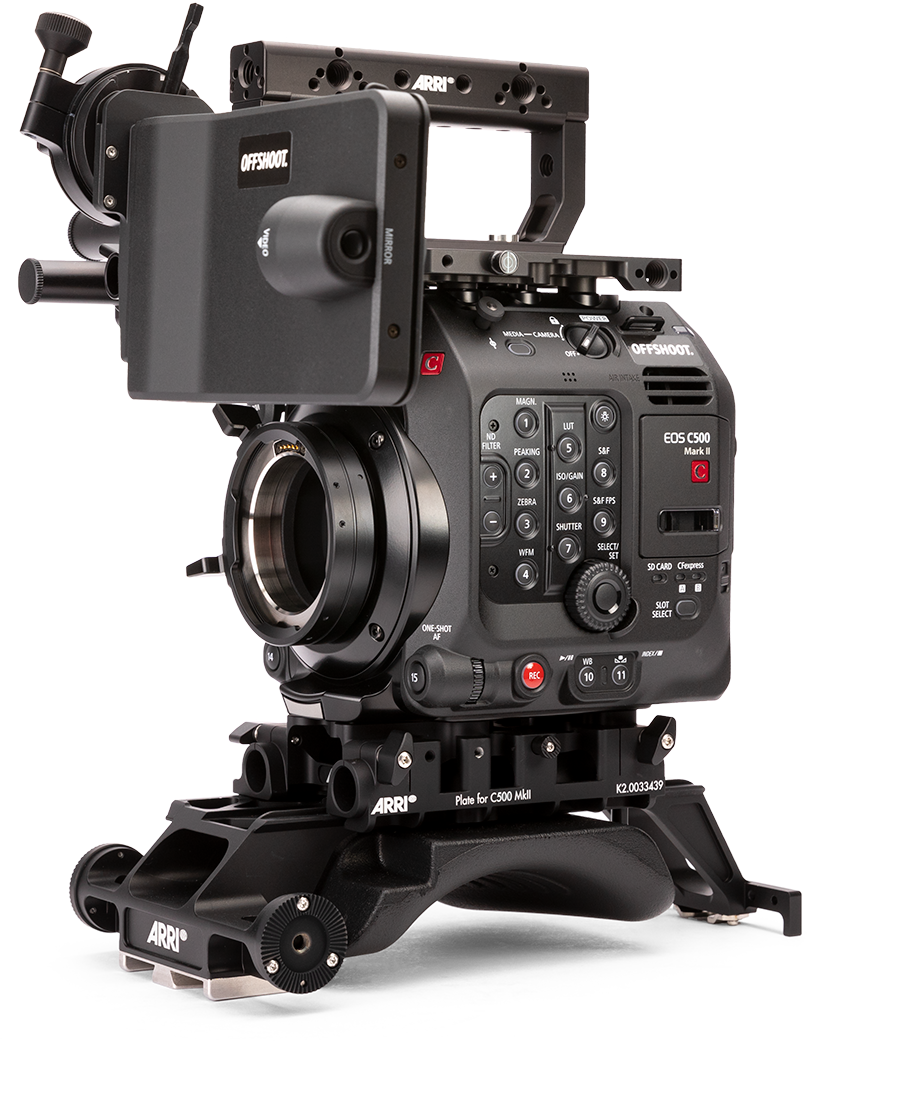

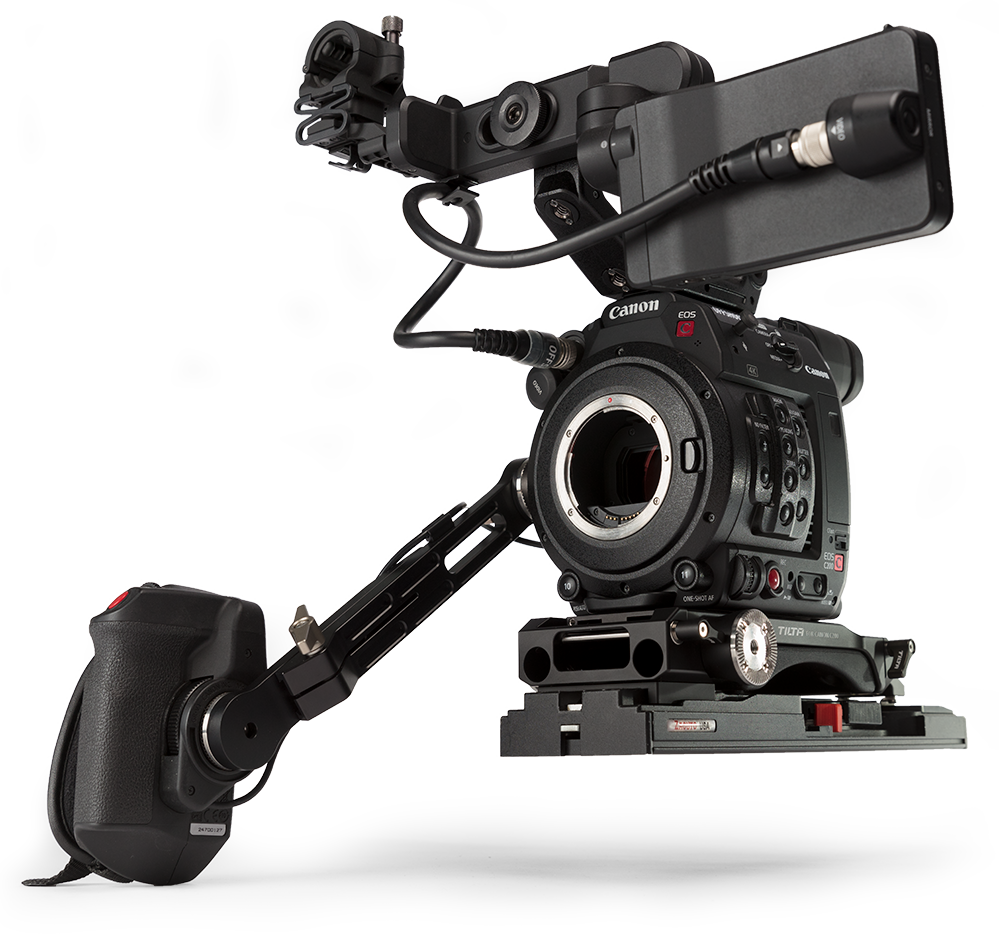
We want to help you get things done quickly, and we‘ve built tools to make that happen. Here are some features that let you help yourself, rather than waiting for us to get back to you during business hours.
Don't have your invoice for a hire? Here's where to find it and how to get it as a PDF.

If a job is in your name but someone else is paying for it, you can get a payment link to share with them. Here's how to do it.
By default, a quote you create is not visible in your rental history unless you send or accept it. Here's how you can save a quote to come back to it later.
You can get a quote for production equipment at any time - even when we're not open. Let's look at how to do it.
What do I need to create an account with Offshoot? What's a pro account? This article should answer your questions.
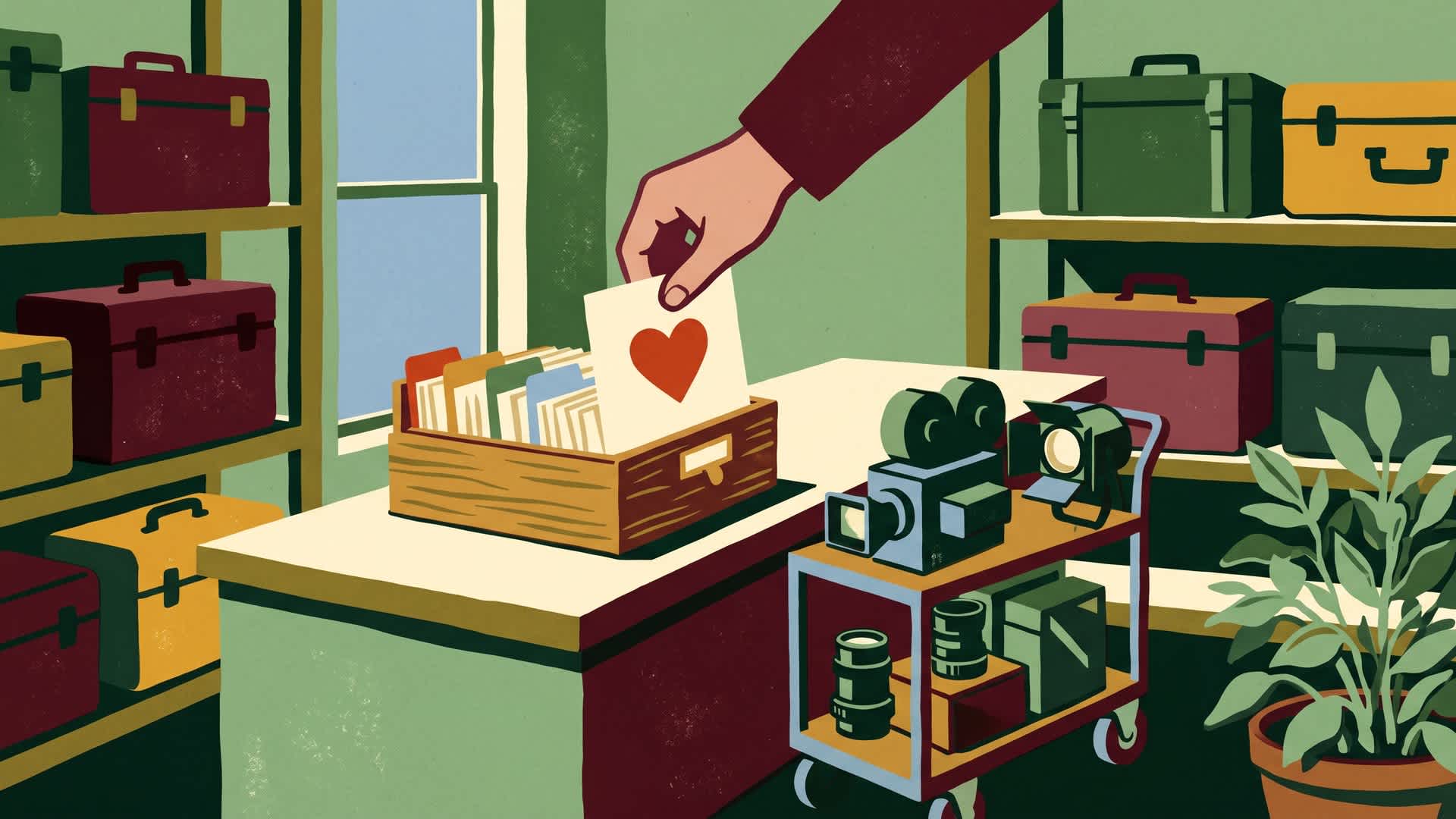
By organising products with favourite lists, you can create quotes and book gear faster. Let's find out how.
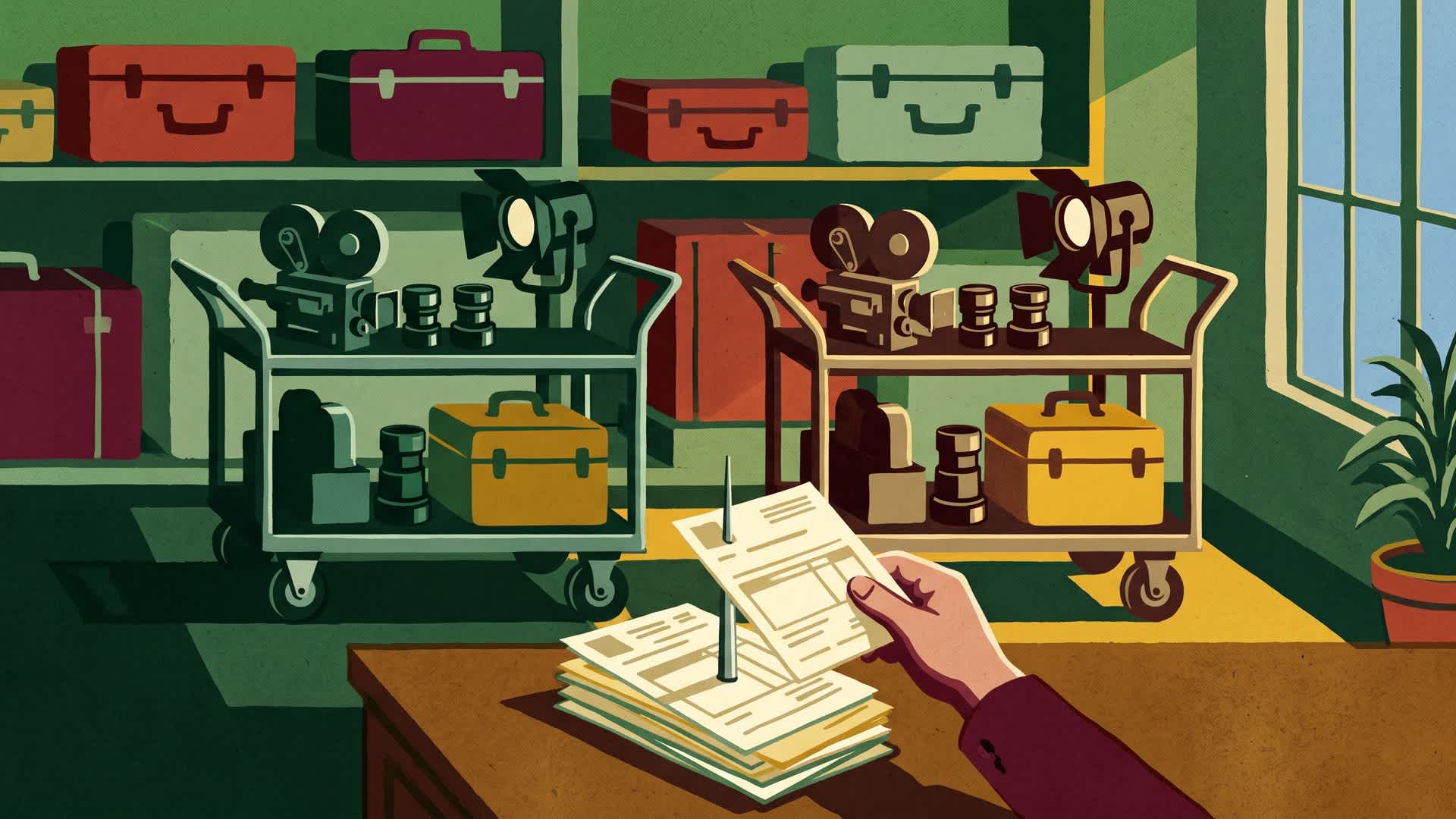
To rebook gear you had on another job, you don't need to find all of the products again. Here's how to do it.
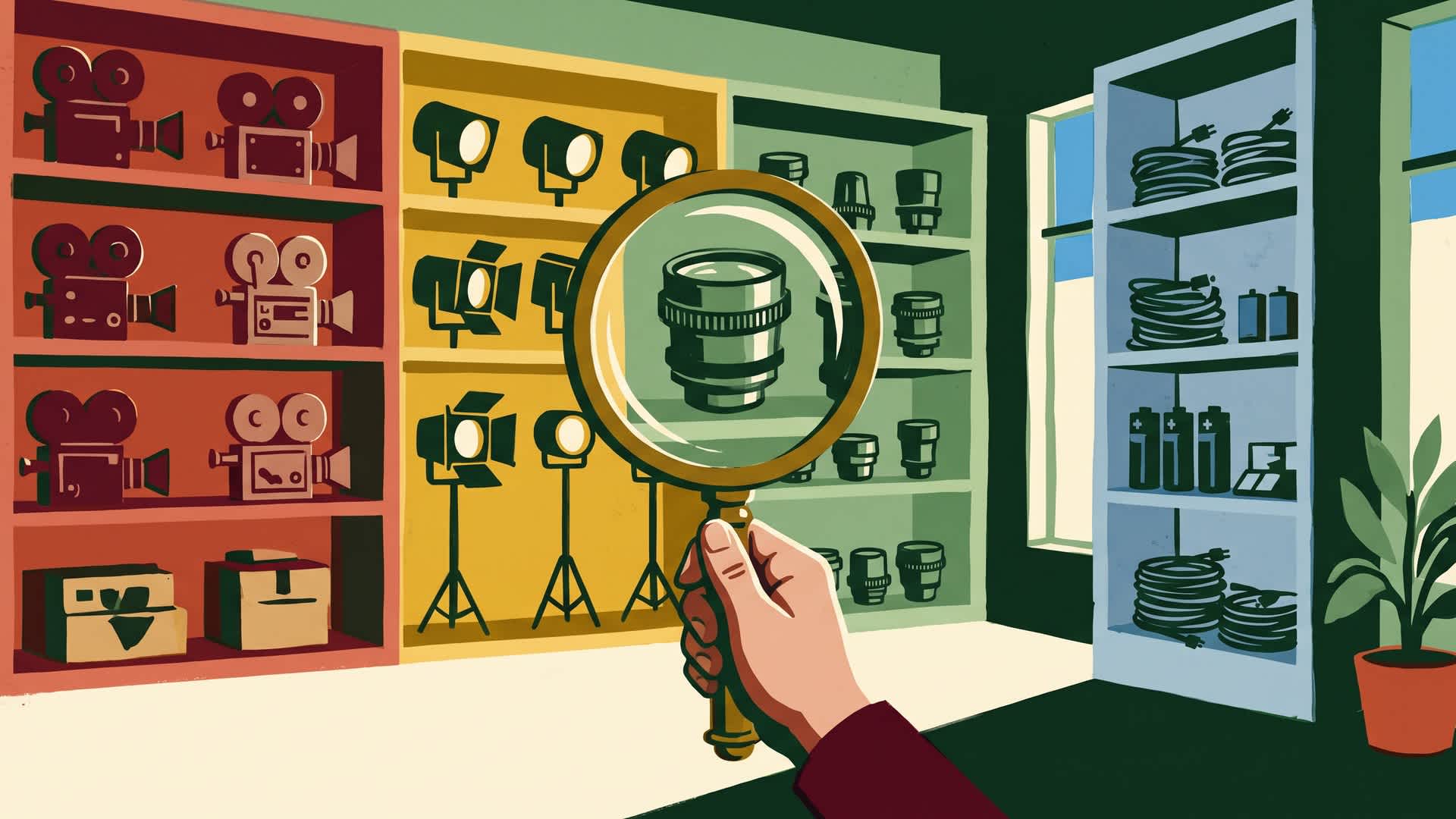
How to find the products you are looking for quickly, either by searching or using the product categories.