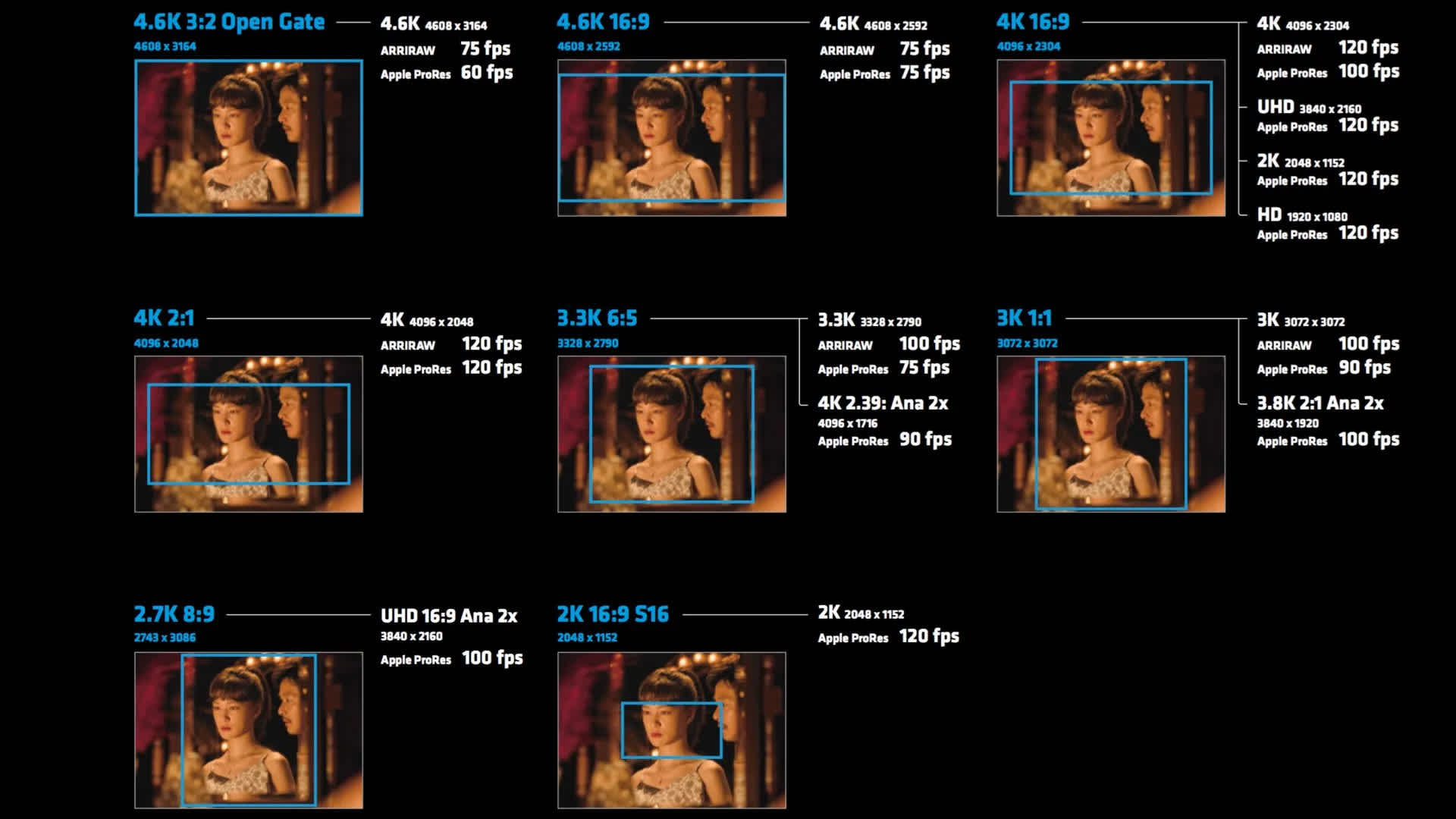
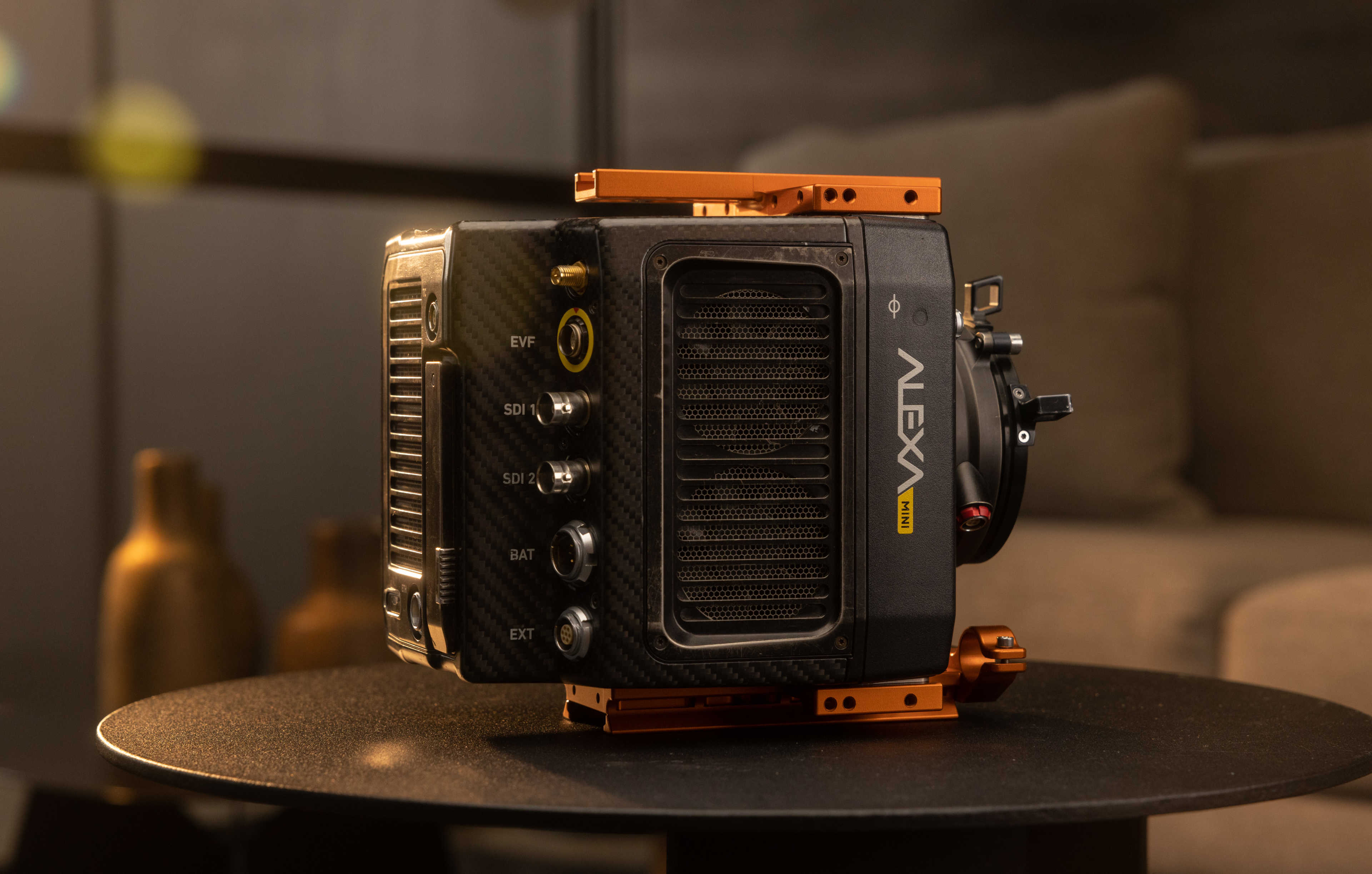
The ARRI Alexa Mini LF has a total of nine sensor modes (as of SUP 7.1). It can be difficult to remember the image circle, clip resolution, codecs and frame rates offered in each mode, so we've summarised them for you here.
Visualising The Different Modes
Here is an interactive visualisation of the different sensor modes. For each mode you can see the number of pixels (photosites) of the sensor used, the physical size of the sensor area used to record the image, and the image circle needed to cover the sensor mode (useful for determining if your lens choice will cover the mode you intend to use).
Hover over an area or click/tap it to see a summary of the sensor mode.
Recording Resolutions and Codec Options
Some sensor modes allow you to choose a clip resolution different to the number of pixels used by the sensor mode, while others do not. Modes also offer different codec options (ARRIRAW or ProRes) and maximum frame rates. Below is a breakdown of the options available for each mode.
| Sensor Mode | Clip Resolution | Codecs | Max FPS |
4.5K LF 3:2 Open Gate | 4448 x 3096 | ARRIRAW | 40 |
ProRes | 40 | ||
4.5K LF 2.39:1 | 4448 x 1856 | ARRIRAW | 60 |
ProRes | 60 | ||
4.3K LF 16:9 | 3840 x 2160 (UHD) | ProRes | 48 |
| 1920 x 1080 (Full HD) | ProRes | 75 | |
3.8K LF 16:9 | 3840 x 2160 (UHD) | ARRIRAW | 60 |
ProRes | 60 | ||
| 2048 x 1152 (2K) | ProRes | 90 | |
| 1920 x 1080 (Full HD) | ProRes | 90 | |
2.8K LF 1:1 | 2880 x 2880 | ARRIRAW | 60 |
ProRes | 60 | ||
3.4K S35 3:2 | 3424 x 2202 | ARRIRAW | 60 |
3.2K S35 16:9 | 3200 x 1800 | ProRes | 75 |
3.2K S35 4:3 | 2880 x 2160 | ProRes | 75 |
2.8K S35 16:9 | 2880 x 1620 | ProRes | 100 |